Protect the diary first.
No-shows, late cancellations, and empty gaps hurt immediately. ConfirmZen puts protection, reminders, and recovery around the appointment before revenue is lost.
No-show protection
 No-show protection
Email + SMS reminders
 Email + SMS reminders
Cancellation recovery
Protect appointments, recover quiet gaps, bring clients back, and create a more polished client experience — installed for you in 72 hours.
Protected Appointments. Recovered Revenue.
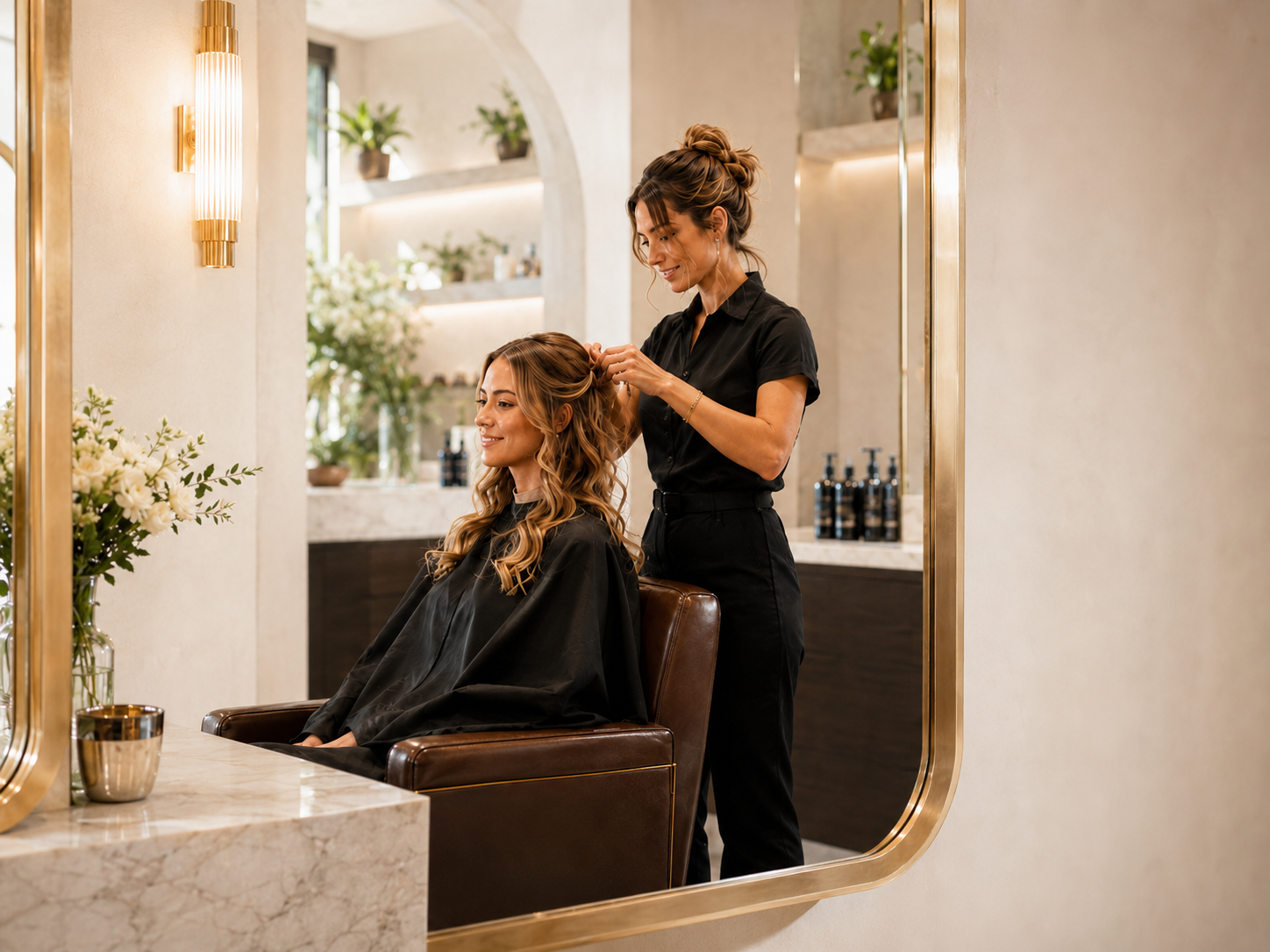
ConfirmZen focuses on the moments that cost owners money: missed appointments, quiet gaps, weak follow-up, and clients who do not return.
No-shows, late cancellations, and empty gaps hurt immediately. ConfirmZen puts protection, reminders, and recovery around the appointment before revenue is lost.
Bring clients back when they are likely to need their next service.
Referrals, memberships, packages, gift cards, and comeback flows.
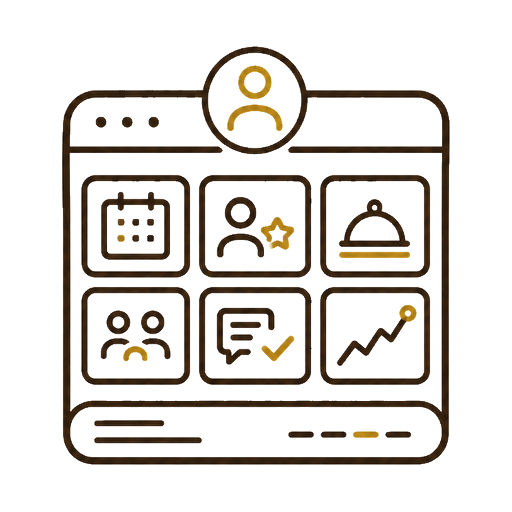
Bookings, clients, services, staff, follow-up, and performance in one cleaner system.
Installed for the owner, without messy DIY setup or another tool to configure.
Most systems take the booking. ConfirmZen helps protect what happens before, during, and after it — so fewer slots are wasted and more clients come back.
One empty slot can disrupt the whole day and quietly reduce income.
Late cancellations become lost value when there is no recovery flow.
Without the right return journey, good clients simply forget to rebook.
Owners end up sending reminders and follow-ups instead of leading the business.
Signature is for owners who want the full protection layer: stronger no-show control, smarter recovery, repeat revenue tools, proof of value, and a professional website build included.
Professional website build included with Signature.ConfirmZen is built around the full appointment journey: reminding clients before they arrive, protecting the slot if plans change, and bringing them back after the visit.
We build ConfirmZen around your real business: services, staff, booking rules, reminders, recovery, and the client journey after each visit.
We look at your services, current setup, no-show risk, follow-up gaps, and where revenue is being left on the table.
We prepare the booking, reminders, protection, recovery, and client return journey around how your business works.
Your ConfirmZen setup is installed so you can protect more appointments and bring more clients back.
Choose the level of control you need: clean booking operations, stronger client growth, or full protection with recovery, repeat revenue, and a professional website.
A simple, professional starting point for owner-only booking operations. Clean setup, calm control, no overwhelm.
Our best-value plan for stronger reminders, staff access, better follow-up, more visibility, and better comeback.
The premium tier for stronger protection, smarter recovery, professional website build, and more predictable repeat income.
ConfirmZen helps protect the value of each appointment — before the visit, when plans change, and after the client leaves.
Built for appointment-led beauty and grooming businesses where every missed slot, late cancellation, and lost return visit matters.
Apply for setup and get a cleaner, stronger revenue-control system installed around your bookings, reminders, protection, follow-up, recovery, and repeat revenue.
 Cancellation recovery